BeerSmith Home

Home Download Order Forum Support Resources


BeerSmith Brewing Features Tour - Part 1

NOTE: We recently updated our website and BeerSmith Features Tour

Please visit our new site to Learn More about BeerSmith

Enjoy a quick tour of the key features of our BeerSmith brewing software for home and professional brewers.  Take the guesswork out of your brewing using our great recipe system and set of standalone beer brewing tools.

See Also: BeerSmith Tour - Part 2 | BeerSmith Tour - Part 3 | Version 1.4 Features | Download a Trial Copy | Order

Easy To Use

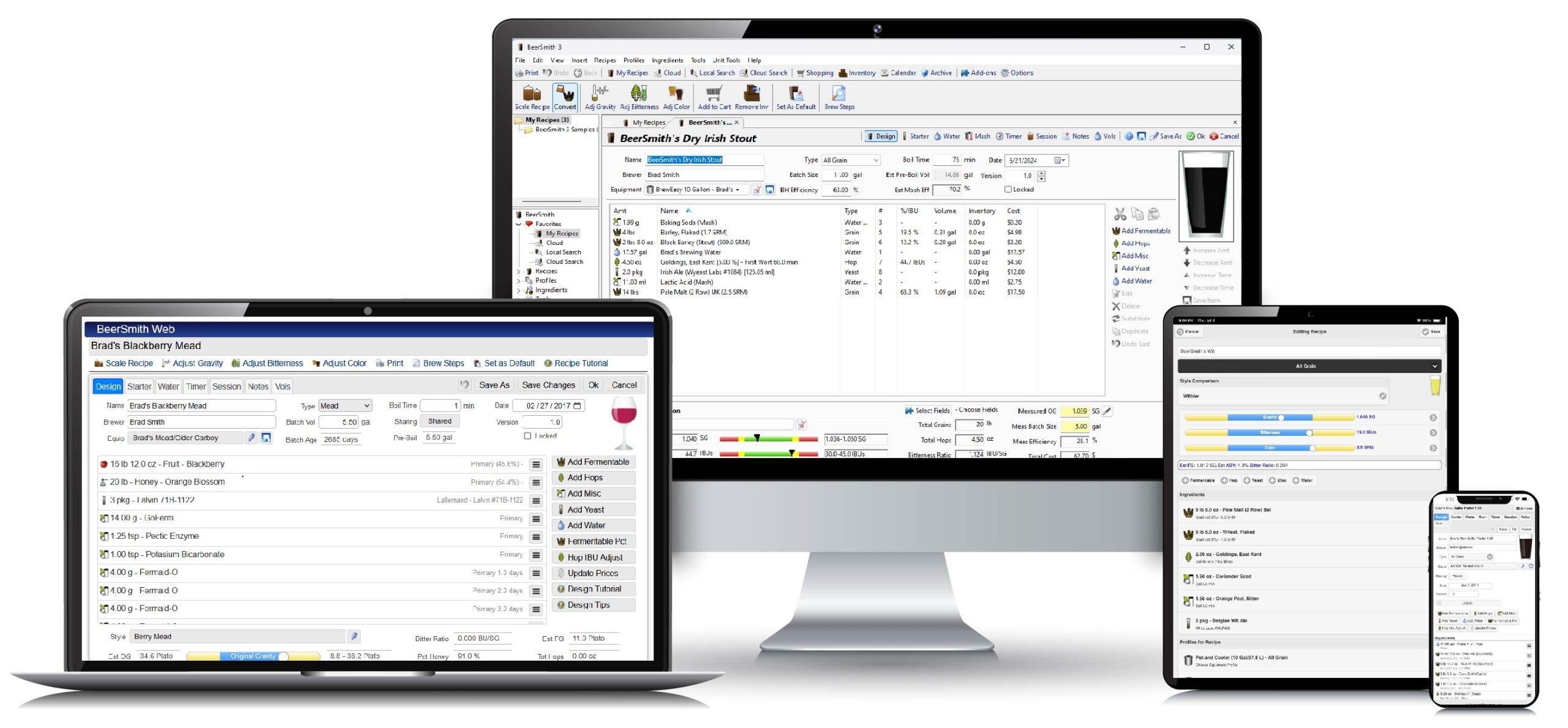
BeerSmith has the most modern interface of any brewing program available.  Your recipes may be organized into folders easily accessible in the shortcut pane on the left.  Every tool, ingredient list and calculator is also accessible at a single click.  The currently selected recipe is shown in detail in our preview pane.  A tips pane in the lower left provides helpful tips for using BeerSmith when you first start out.  Finally, help is easy to use - just click on the question mark icon on the right of the toolbar and then click on any tool, menu item or shortcut for detailed help on how to use that feature.

Recipe View - Click on the New Recipe button to add a new recipe!

BeerSmith supports all of the familiar tools you might expect - cut, copy, paste, print, print-preview, find, delete, etc..  You can navigate using the shortcuts on the left, or forward and back arrows much like you would in a web browser.  You can even drag and drop recipes from one folder to another.  In addition, BeerSmith has unlimited levels of undo, redo , a recycle bin and a robust system of automatic backup files so you never have to worry about losing your work.

Easy Extract Brewing

BeerSmith fully supports the extract brewer.  Add new ingredients by pressing any of the Add... buttons and then selecting from the list of available ingredients.

Building a Recipe

 The ingredients list is already loaded with the most commonly used brewing ingredients, though you can easily add your own.

Adding an Ingredient

Step-by-step Instructions

BeerSmith automatically generates step-by-step brewing instructions customized for your recipe.  No need to miss a critical step or forget to add an ingredient - just follow the instructions.  Click on the Preview Brewsheet button to get a detailed printout.

Click on the Preview Brewsheet button and detailed instructions for your recipe are automatically generated!

Match your Beer Style

BeerSmith lets you match the target beer style.  Just pick the target style from the beer style table, and BeerSmith automatically compares estimated gravity, color and bitterness for your recipe against the style guide.  Items are bolded if they do not match the style guideline.

This profile is constantly updated as you build your recipe

Recipe Conversion Tool

Have you ever found a great all-grain or partial mash recipe that you wish you could brew?  BeerSmith lets you convert those recipes automatically into extract recipes for easy brewing.  For more details see our Conversion Tool

The Conversion Tool makes quick work of converting any recipe to an extract recipe.

Going Shopping?

BeerSmith will even build a shopping list for you.  Click on the Add to List button next to the shopping cart for any selected recipe to add the current recipe's ingredients to your shopping list.  Click on the Shopping List tool to view, edit and print out your list!  The shopping list is also fully integrated with BeerSmith's inventory system to make it easy to maintain a detailed inventory of your ingredients on hand.

Continue with: BeerSmith Tour Part 2 | BeerSmith Tour Part 3 | Version 1.4 Features | Download a Trial Copy | Order


Contact Us with questions or comments about our products or this web site.
Copyright © 2003-2006 Bradley J Smith - All Rights Reserved